HUDOne 2016 Pro5.7
Publisher Description

Telemetry data viewer and HUD for F1 2016 game by Codemasters
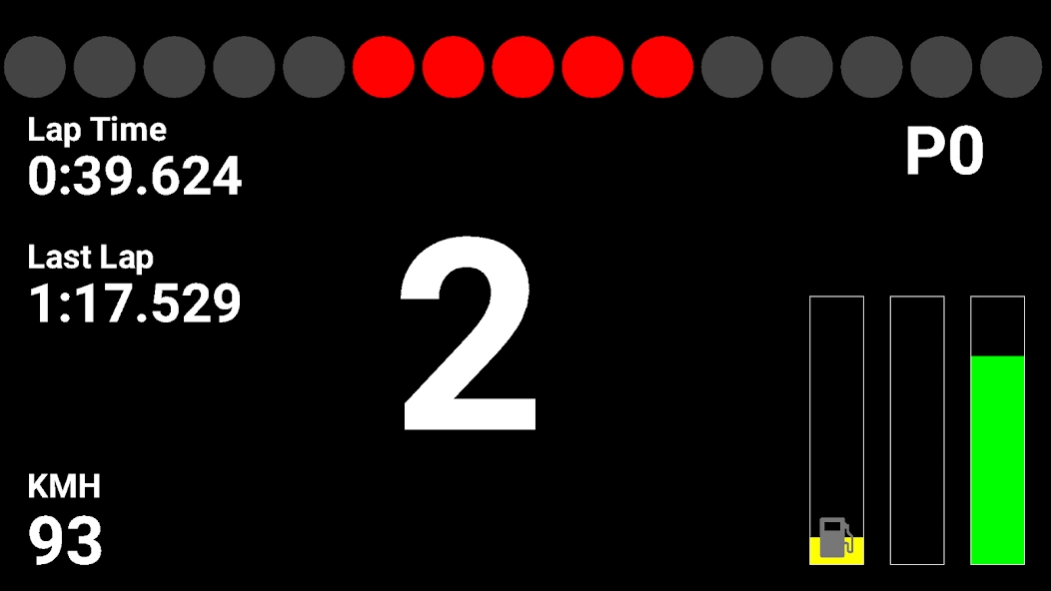
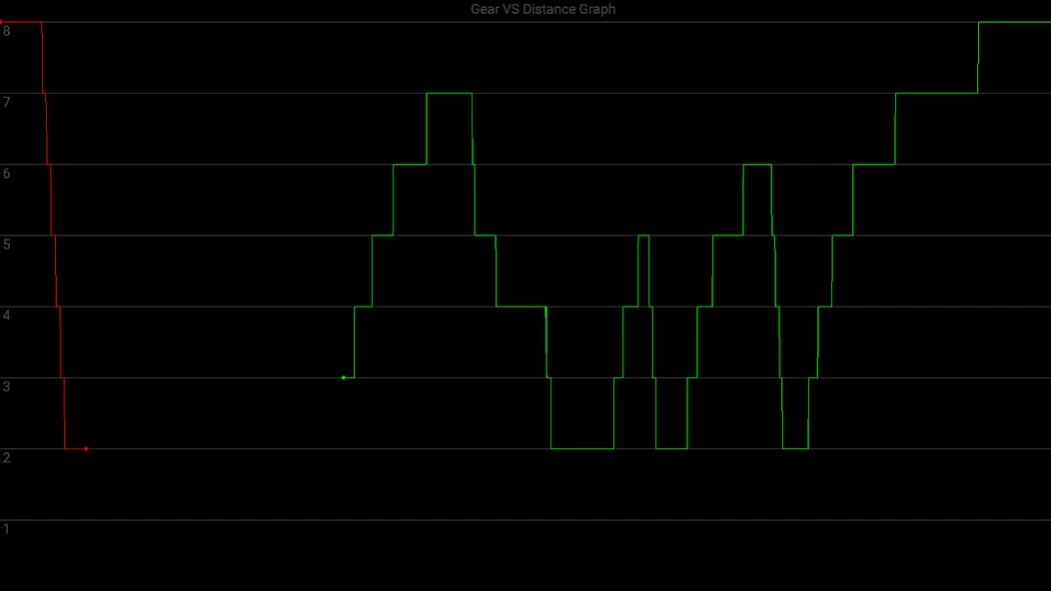
Pro version of telemetry data viewer app for the F1 2016 game by Codemasters that shows circuit view with option to lock to your car like on game HUD and steering wheel view where you can sea lap times, speed, gear, rpm, throttle, brake and fuel remaining. There are also graphs of gear, speed, throttle, brake and steer vs distance.
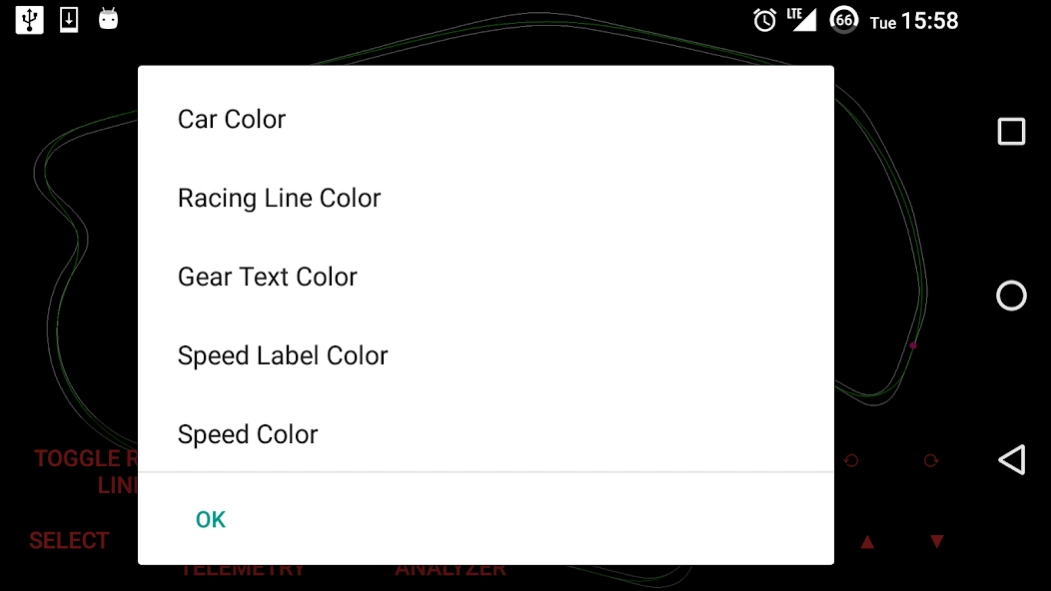
In this Pro version you could change car, racing line, HUD views and graphs colors.
About HUDOne 2016 Pro
The company that develops HUDOne 2016 Pro is Write Once. The latest version released by its developer is 5.7.
To install HUDOne 2016 Pro on your Android device, just click the green Continue To App button above to start the installation process. The app is listed on our website since 2017-05-10 and was downloaded 10 times. We have already checked if the download link is safe, however for your own protection we recommend that you scan the downloaded app with your antivirus. Your antivirus may detect the HUDOne 2016 Pro as malware as malware if the download link to com.gokgoz.HUDOne2016Pro is broken.
How to install HUDOne 2016 Pro on your Android device:
- Click on the Continue To App button on our website. This will redirect you to Google Play.
- Once the HUDOne 2016 Pro is shown in the Google Play listing of your Android device, you can start its download and installation. Tap on the Install button located below the search bar and to the right of the app icon.
- A pop-up window with the permissions required by HUDOne 2016 Pro will be shown. Click on Accept to continue the process.
- HUDOne 2016 Pro will be downloaded onto your device, displaying a progress. Once the download completes, the installation will start and you'll get a notification after the installation is finished.
Program Details
System requirements
Download information
Pricing
Version History
version 5.7
posted on 2017-05-10
REV Lights refined on HUD views
version 5.42
posted on 2016-12-29
* Drawing not appearing on screen bottom sometimes on some devices (Nexus 5 was reported) error fixed by showing Action Bar. If your device getting this error, after opening app click "Hide This Time" option from menu. If your device shows everything correctly, click "Hide Always" from menu, for hiding Action Bar forever.,* Added zoom buttons to Speedometer view for adjusting view according to device screen
